
Free
Try it on real profiles
₹0forever
- Three full profiles: posts, reels, stories and highlights
- Every single post, any time
- Best quality, with HD video
- No sign-up, no card
Every photo, carousel slide, reel, story and highlight, in the best quality Instagram has, saved into one tidy folder. Run it again later and it fetches only what is new.
Also for  Pinterest: Pin Mass Media Downloader →
  TikTok: TT Mass Media Downloader →
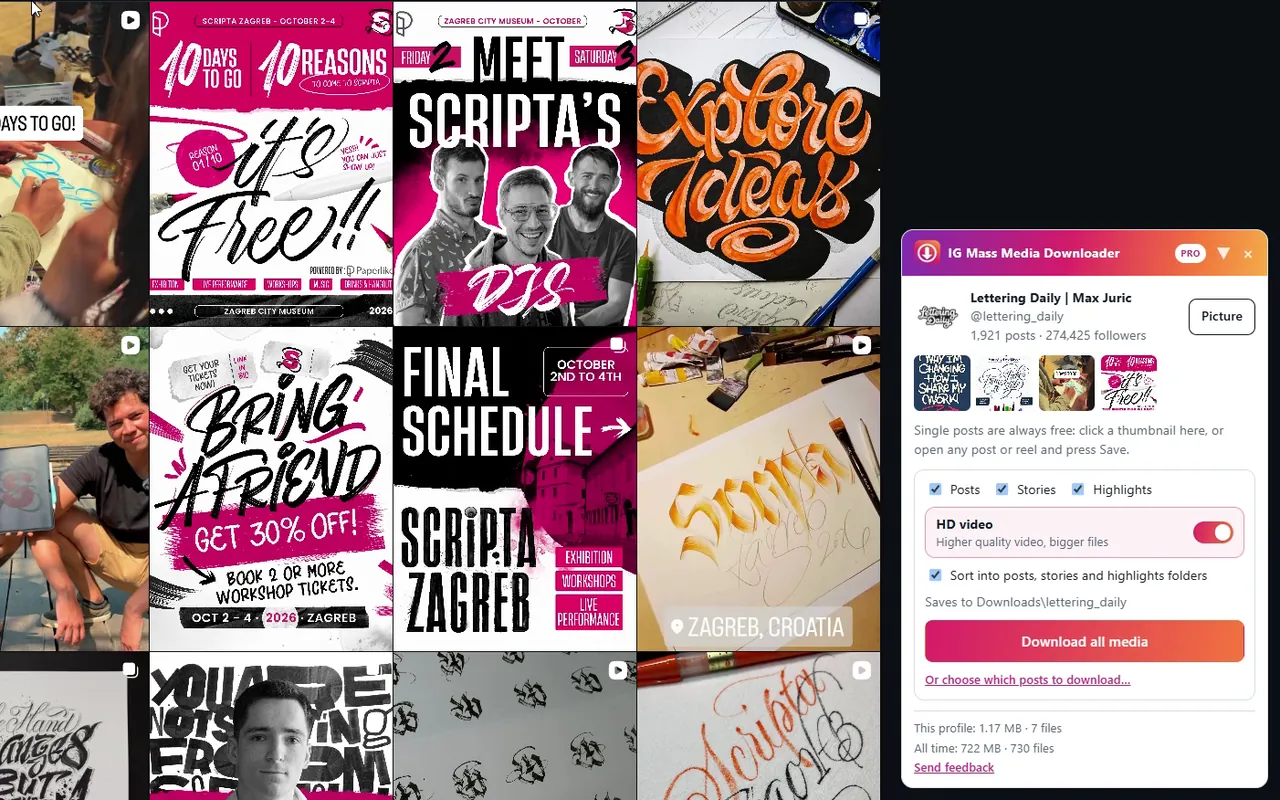
Pin Mass Media Downloader saves every board, section and pin of a Pinterest profile: images in their original size, videos as mp4, a folder for each board. Three profiles free, single pins always free.
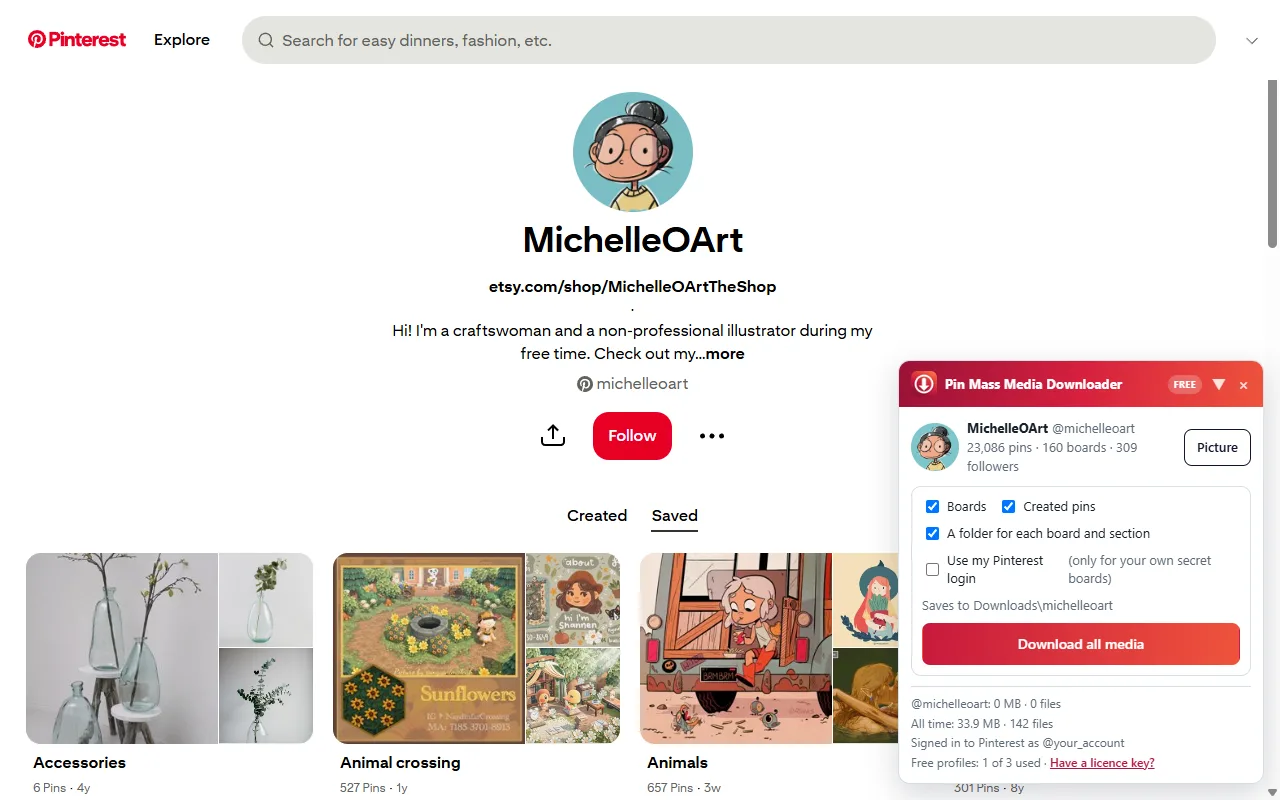
TT Mass Media Downloader saves every video and photo post of a TikTok profile in the best quality TikTok serves, without the watermark, into one folder. Three profiles free, single posts always free.
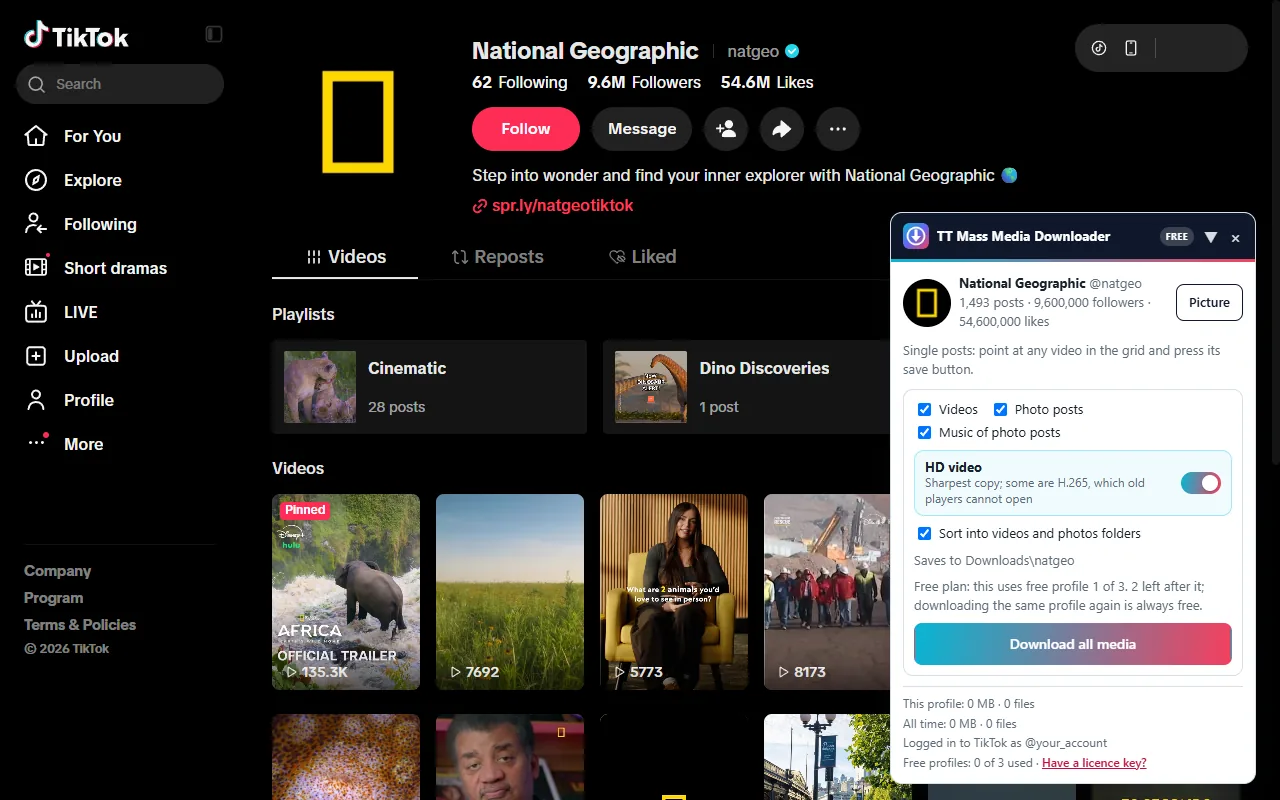
Not screenshots or thumbnails: the original files, in the highest quality Instagram serves.
Photos at full size. Carousels saved slide by slide, numbered in order.
The best video and audio streams, merged without re-encoding. Switch HD off for smaller files.
Live stories and every highlight, each highlight in a folder of its own.
Open the post grid, click or drag across the ones you want, and download only those.
Run it again next month and it skips everything you already have.
Downloads\username, with posts, stories and highlights sorted. It keeps going while you switch tabs.
Open the post grid, click the posts you want, or drag across a whole row. Shift-click selects a range. Posts you already have are marked, so nothing is saved twice.
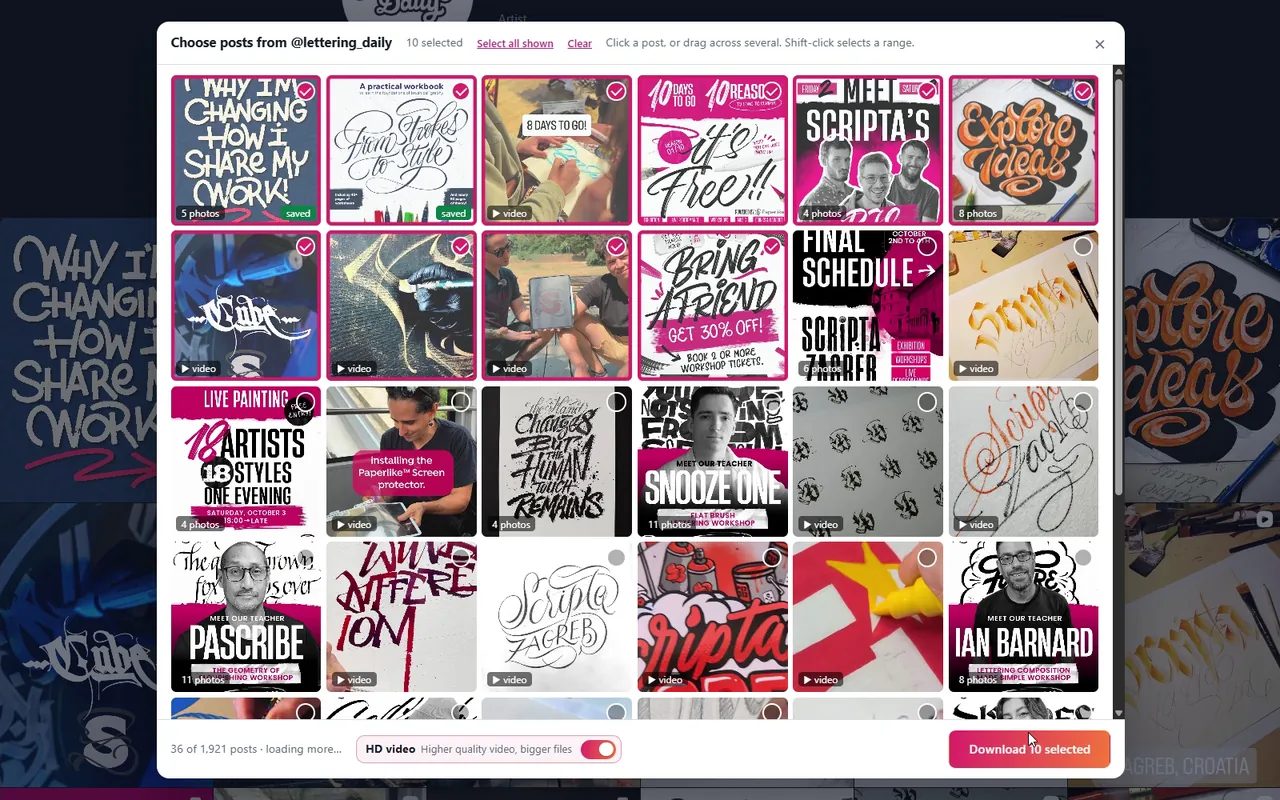
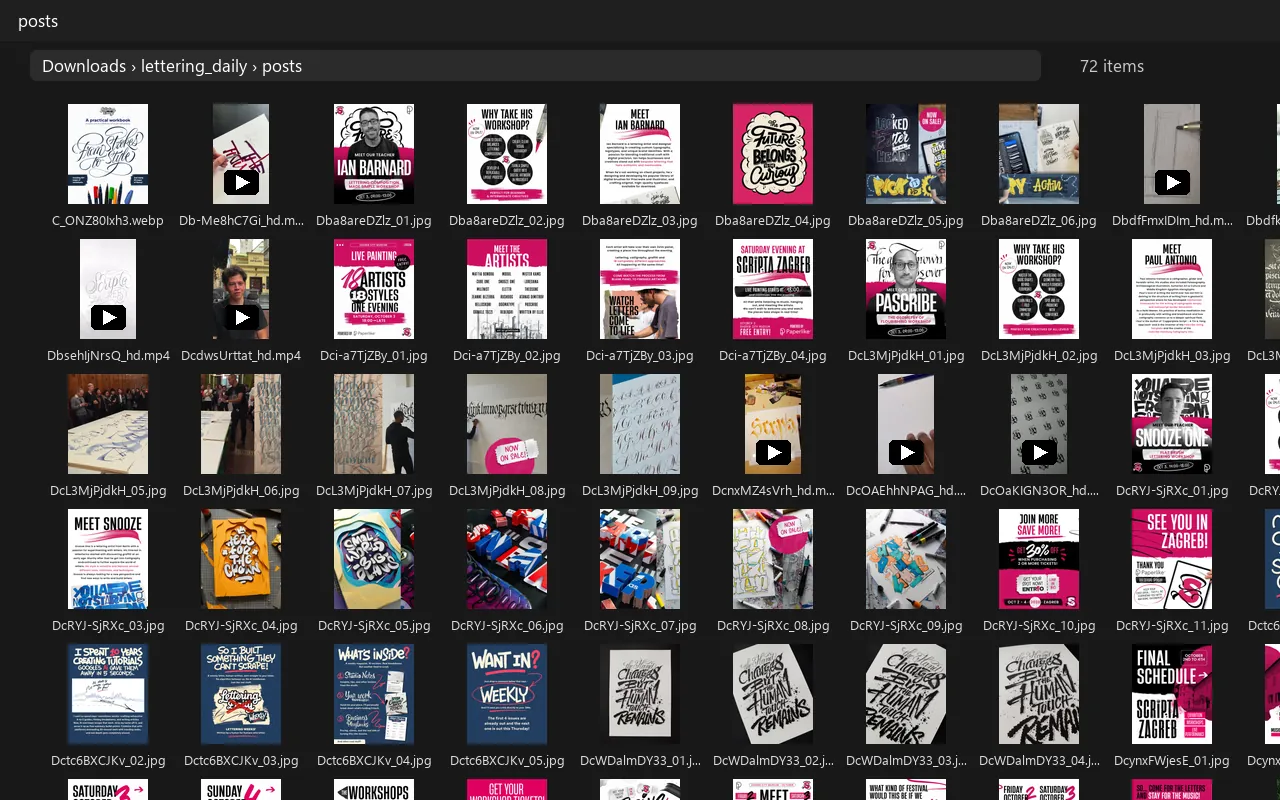
Each post is named after its Instagram code, carousel slides are numbered, and HD videos are marked, so the folder stays easy to browse and to back up.
Downloads\<profile>\
  posts\<code>.jpg | .mp4 | _hd.mp4
  posts\<code>_01.jpg, _02.jpg, …
  stories\, highlights\<name>\
A whole profile, a hand-picked batch, and a single post.
Log in to Instagram as usual and open any profile. The panel appears in the corner.
Posts, stories, highlights, HD video, or pick exact posts from the grid.
Files land in your Downloads folder, sorted. Switch tabs or minimise; it keeps going.
Three profiles and every single post are free, with no account or card. Pay only when you want unlimited profiles.
Try it on real profiles
Pay once, keep it
For a busy month
Outside India: US$29 once or US$6 a month on Gumroad, by card or PayPal. Rupees by card, UPI or netbanking in India. A licence works on up to two Instagram accounts.
The extension makes the same requests the Instagram website makes when you scroll, at the pace of a fast scroll, and backs off when Instagram asks it to. Automated access is against Instagram's terms, so use it with your own account and keep the volume reasonable.
Instagram sometimes slows down accounts that fetch a lot quickly. The extension stops when Instagram asks and the limit usually clears within hours. A licence is tied to up to two Instagram accounts; if you ever lose one, free the slot on the manage page and use the key on another.
Only profiles your account can already see, the same as on the website.
Photos at the largest size Instagram serves. Videos from the highest-quality streams, merged without re-encoding.
Your browser's Downloads folder, in a folder named after the profile, with posts, stories and highlights in their own subfolders.
Three profiles are free and single posts are always free. Unlimited profiles are a one-time lifetime licence or a monthly plan; see pricing.
Your Instagram account id and username, the profiles you download, and usage and error statistics, to run the free tier and licences and to fix problems. Never your password, cookies or the files you download. See the privacy policy.